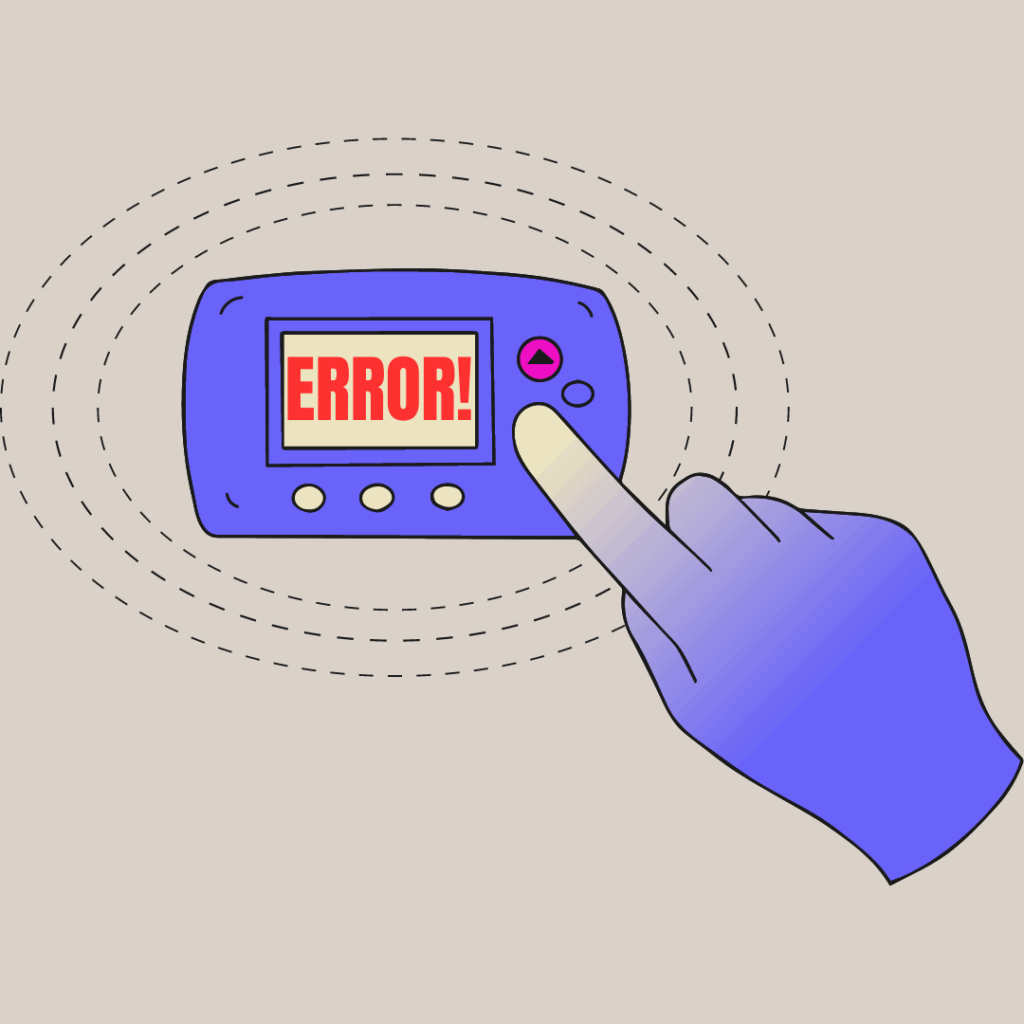
In the heat of summer or the chill of winter, there’s nothing more frustrating than dealing with a thermostat not working. A malfunctioning thermostat can lead to uncomfortable indoor temperatures, energy wastage, and even increased utility bills.
High-quality thermostats (like those from Honeywell) are known for their reliability. However, like any electronic device, your thermostat may encounter issues over time. In this blog post, we’ll guide you through troubleshooting and fixing some common problems that may arise with a thermostat not working.
Heater or AC Thermostat Not Working? Check the Basics
Before diving into complex solutions, let’s start with the basics. Make sure your thermostat has power and is properly connected to the HVAC system. Verify that the thermostat is securely mounted on the wall and that the wiring connections are intact.
Thermostat Display Not Working? Try This
If you find that the thermostat display isn’t working, don’t worry; there are a few things you can try to fix it. First, check if the power source and batteries are working properly.
Sometimes, a simple battery replacement can do the trick. If the display remains unresponsive, give the screen a gentle wipe with a soft, dry cloth to get rid of any dust or smudges that might be blocking the view. You can also adjust the brightness settings or check if there’s a backlight option in the thermostat’s menu.
Calibrate the Thermostat
If you notice that the indoor temperature doesn’t match the thermostat’s display, it could be a calibration issue. Modern thermostats often have a calibration feature that allows you to adjust the temperature readings. Refer to the user manual for specific instructions on how to calibrate your model. This simple step can make a significant difference in the accuracy of your thermostat.
Reset the Thermostat
Sometimes, a quick reset can resolve minor glitches causing the thermostat not to work. Locate the reset button or switch on your thermostat (if available), or follow the instructions in the user manual to perform a reset. This action will restore the thermostat to its default settings, eliminating any temporary issues.
Check the Thermostat’s Location
The placement of your thermostat can influence its performance. Ensure that it is not exposed to direct sunlight, drafts, or heat sources, as this can lead to incorrect temperature readings.
Similarly, avoid mounting the thermostat near doors or windows, as the influx of outdoor air can trigger unwanted HVAC system activation.
For optimal performance, place the thermostat in a central location where it can accurately represent the overall temperature of your home.
Inspect the Wiring
Loose or damaged wiring can cause a variety of problems, including an unresponsive display or a malfunctioning HVAC system. Turn off the power to your thermostat before inspecting the wiring. Carefully examine each connection, making sure they are secure and free from corrosion or damage. If you find any issues, gently reattach or replace the wires as needed.
Check the Circuit Breakers and Fuses
A blown fuse or tripped circuit breaker could be the reason behind your thermostat not working. Verify that the circuit breaker for your HVAC system is in the “On” position. If it’s tripped, reset it and see if the thermostat comes back to life. Similarly, check for blown fuses in the furnace or air conditioning unit. Replace any blown fuses with the appropriate type to prevent further issues.
Update Firmware or Software
Some smart thermostats can connect to the internet and receive firmware updates. If your thermostat is part of a smart home system, ensure it has the latest firmware or software version installed. Keeping the thermostat updated can often fix bugs and improve overall performance.
Honeywell Thermostat Not Working? Here are The Specifics
Are you dealing with a Honeywell thermostat not working? Honeywell thermostats are a popular choice, but like any home gadget, things can happen.
Fixing a Honeywell thermostat not working involves following the steps listed above, but also using their detailed user manuals and reaching out to their support team. They’ve got a lot of resources for you to follow that can help you get your Honeywell thermostat back on track!
Test the HVAC System
If you’ve gone through all the troubleshooting steps, but the thermostat is still not working, it’s time to check the HVAC system itself. There might be a problem with the heating or cooling components, such as a faulty compressor, motor, or sensor. At this point, it’s best to call a professional HVAC technician to diagnose and fix the issue.
If you’re having issues with your thermostat, don’t hesitate to get the professionals involved. Live Free Heating Cooling Electric is the go-to choice for New Hampshire residents. We offer free estimates (terms apply) and answer every question along the way. Reach out to us today to end your thermostat confusion and get back to a comfortable home!
Having a thermostat not working can be a real hassle, but many issues can be resolved with some simple troubleshooting. Start by checking the basics and verifying the power supply. If necessary, calibrate or reset the thermostat to its default settings. Pay attention to the location and wiring of the thermostat, ensuring they are both in optimal condition. Don’t forget to check the circuit breakers, fuses, and perform any necessary updates.
If all else fails, and the thermostat is still unresponsive, it might be time to consult an HVAC professional at Live Free. We can diagnose the problem accurately and offer the best solution to get your thermostat and HVAC system back in top-notch working condition.
Remember, taking care of your thermostat and HVAC system will not only ensure your comfort but also help you save energy and reduce utility bills in the long run. So, stay proactive and keep your home at the perfect temperature throughout the year!